JazzCash
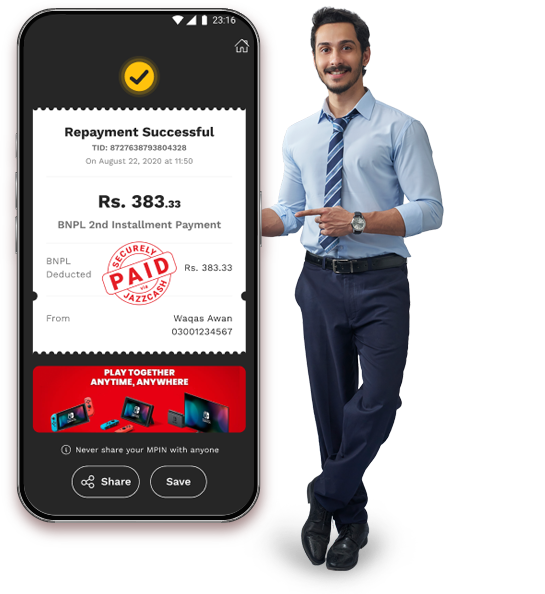
  • BNPL
  • Load & Packages
  • Govt Payments
  • Cross-border Payments
  • Zakat & Donations
  • Cards
  • Bill Payments
  • Money Transfer

Easy Installments Flexible Shopping

Shop Now and Pay in Easy Installments

Shop Now and Pay in Easy Installments

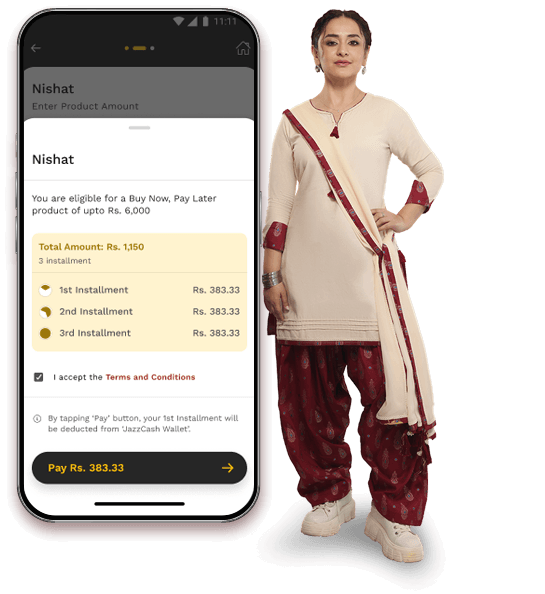
Split Payments into 3 Monthly Parts

Split Payments into 3 Monthly Parts

Available<br/> In-store, Online & App

Available
In-store, Online & App

Wide Range of Partner Brands

Wide Range of Partner Brands

Secure and Budget Friendly Shopping

Secure and Budget Friendly Shopping

Arrow Right

User Journey

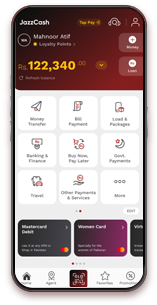
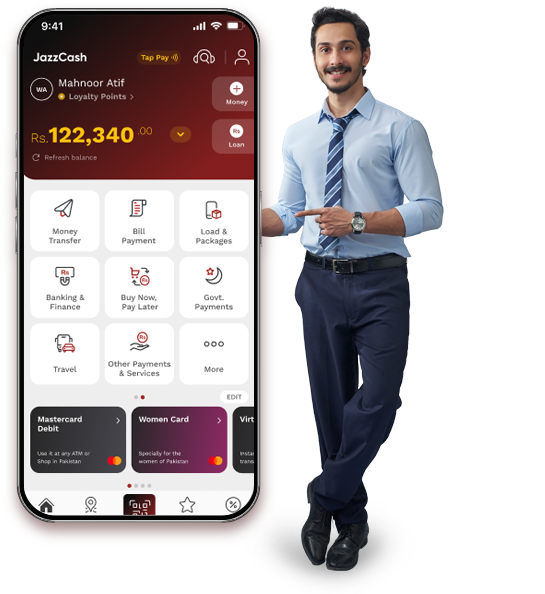
Open JazzCash App

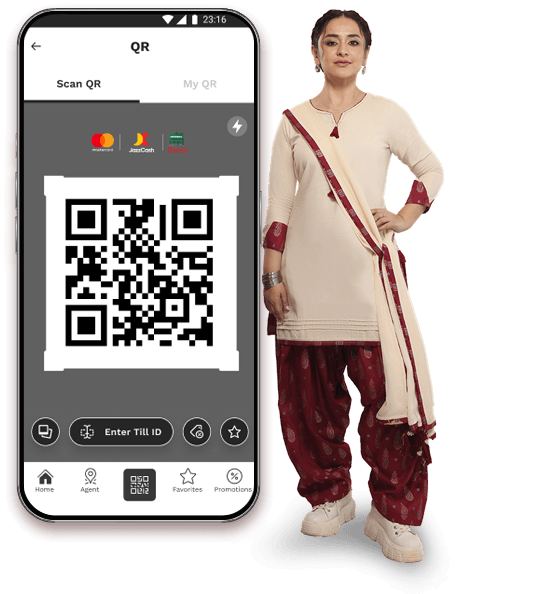
Tap QR Scan

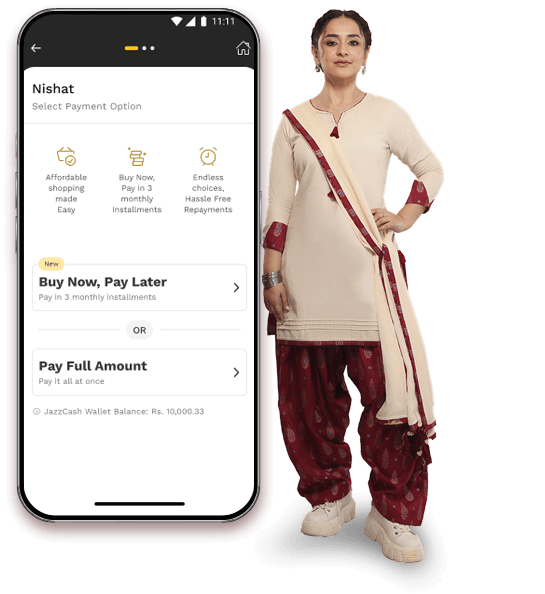
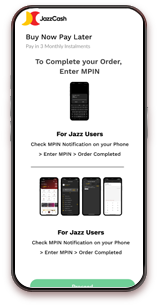
Select Buy Now Pay Later

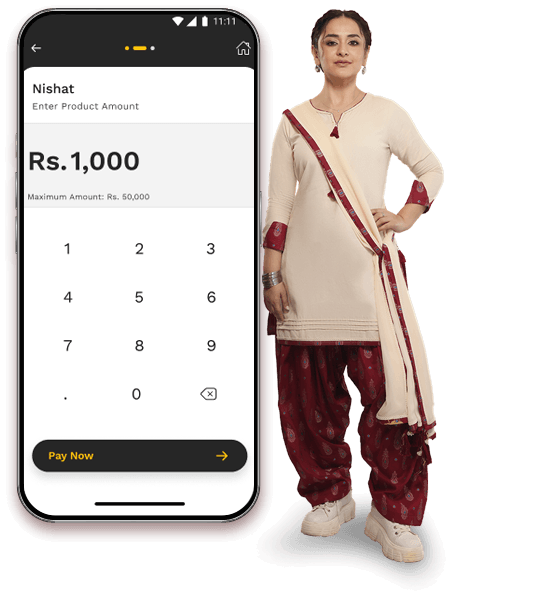
Enter Amount

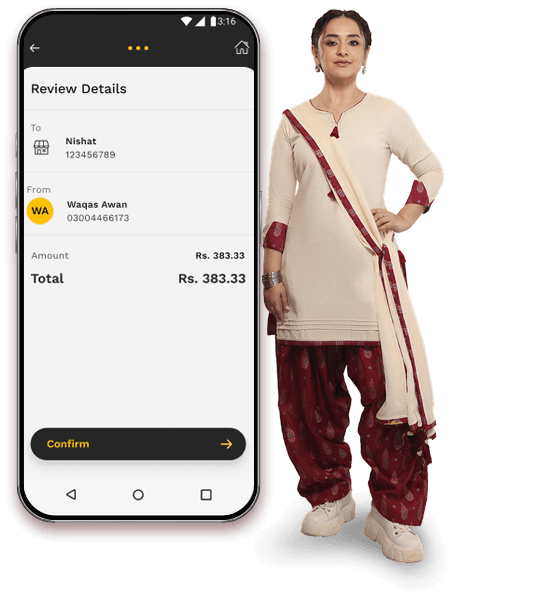
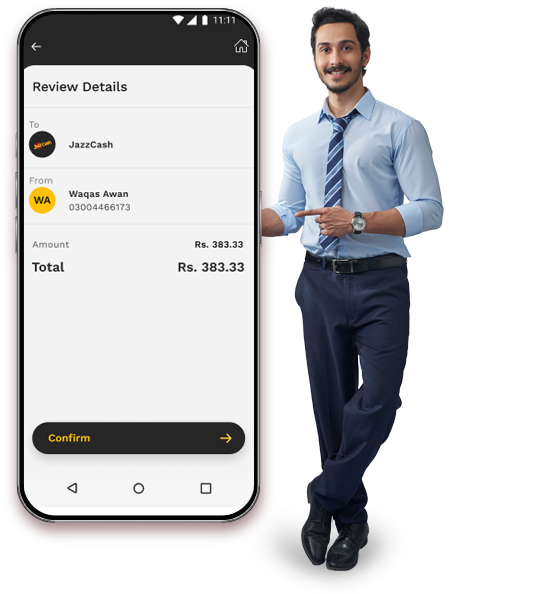
Review Installment Plan

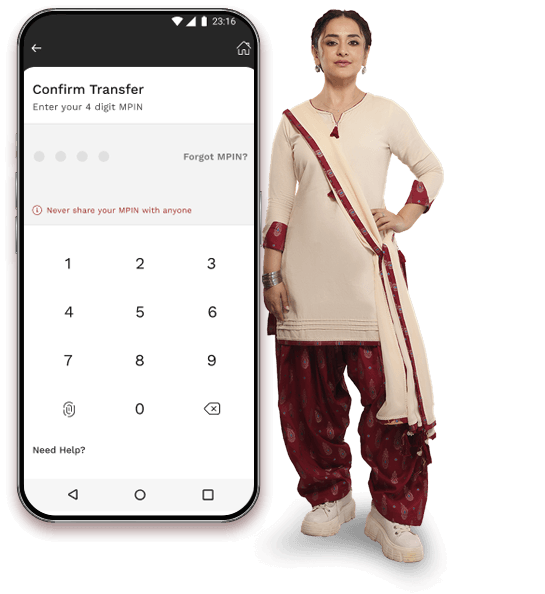
Confirm with MPIN

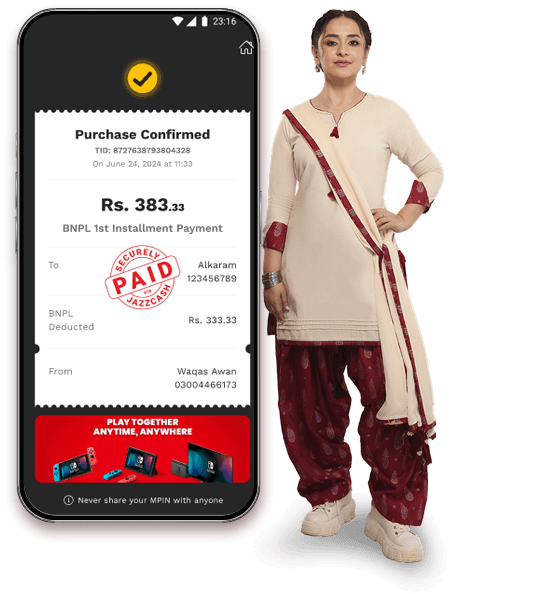
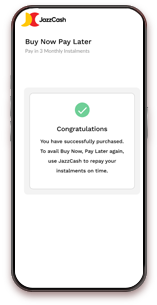
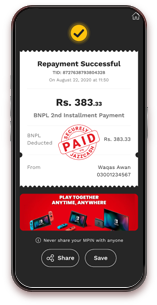
Receive Payment Confirmation

Left Icon
Right Icon

Visit Partner Website

Add Items to Cart

Proceed to Checkout

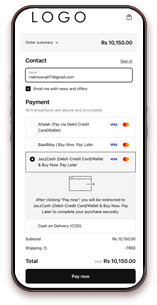
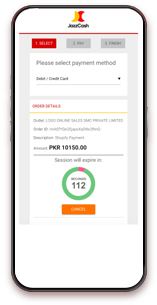
Select JazzCash

Choose Buy Now Pay Later

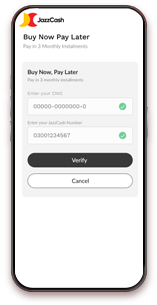
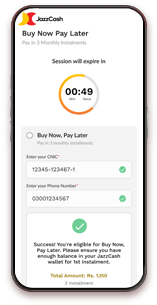
Enter CNIC & Mobile Number

Review Installment Plan

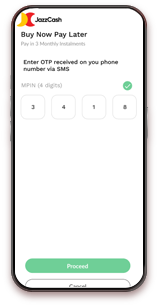
Enter MPIN

Get Confirmation

Left Icon
Right Icon
image

JazzCash App
(Marketplace)

Learn More
image

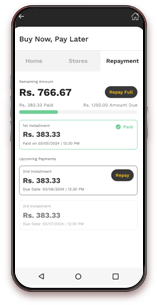
Repayment
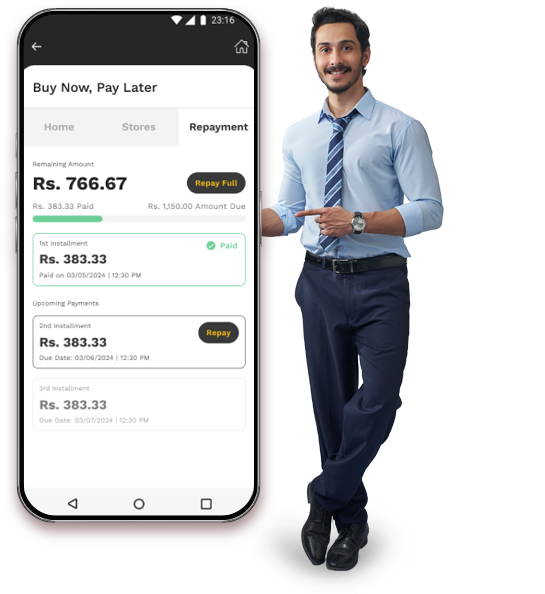
via App

Learn More

Dial *786#

Select Buy Now Pay Later

Choose Full or Partial Payment

Enter Amount

Enter MPIN

Receive Confirmation SMS

Left Icon
Right Icon

FAQs

image
What is Buy Now, Pay Later?

It allows you to shop now and pay in 3 monthly installments with the first payment deducted instantly.

Where can I use BNPL?

You can use it at partner retail stores, brand websites, and within the JazzCash app.

How many installments are there?

The total amount is split into 3 monthly installments (0, 30, and 60 days).

Are there any charges?

Yes, a 15% service charge is applied to the total purchase amount.

How can I check my eligibility?

Go to Buy Now Pay Later in the app to view your eligibility and spending limit.

What is the spending limit?

You can spend between Rs. 100 to Rs. 50,000 based on eligibility.

Why is BNPL not showing for me?

It may be due to non-partner stores, low eligibility, or app version issues.

Why did my transaction fail?

Common reasons include insufficient balance for first installment, low credit score, or pending dues.

How can I repay my BNPL amount?

You can repay via the JazzCash app or by dialing *786# and following the steps.

What happens if I miss a payment?

A late fee of 10% on the overdue installment will be applied.

What You Can Do With JazzCash

Instant <br />Recharge

Instant
Recharge

Integration for<br />all Networks

Integration for
all Networks

Safe & Secure<br />Payments

Safe & Secure
Payments

Exclusive<br />Bundles & <br />Discounts

Exclusive
Bundles &
Discounts

Arrow Right

Mobile Packages

Open JazzCash App

Tap Loan Icon

Enter or Select Loan Amount

Review Fee & Due Date

Confirm Request

Receive Funds Instantly

Left Icon
Right Icon

Dial *786#

Select ReadyCash

Tap Apply for Loan

Enter or Select Amount

Choose Loan Purpose

Review Fee & Details

Enter MPIN

Receive Confirmation SMS

Left Icon
Right Icon

DOWNLOAD NOW

Play Store Apple Store

Prepaid Load

image

Transfer
via app

Learn More
image

Transfer
via ussd

Learn More

DOWNLOAD NOW

Play Store Apple Store

Postpaid Bill

Dial *786#

Select ReadyCash

Tap Repay Loan

Enter Amount

Enter MPIN

Receive Confirmation SMS

Left Icon
Right Icon

Dial *786#

Select ReadyCash

Tap Apply for Loan

Enter or Select Amount

Choose Loan Purpose

Review Fee & Details

Enter MPIN

Receive Confirmation SMS

Left Icon
Right Icon

DOWNLOAD NOW

Play Store Apple Store

FAQ'S

image

JazzCash load & bundle

Can I pay postpaid bills of other people from my account?

→ Yes, you can pay postpaid bills of other people from your JazzCash account

Can I buy Prepaid load of other people from my account?

→ Yes, you can buy Prepaid Load for other people from your JazzCash account.

Can I buy Mobile bundles of other people from my account?

→ Yes, you can buy Mobile bundles for other people from your JazzCash account

Features

Instant Payment with Real Time Confirmation

Instant Payment with Real Time Confirmation

Support Available 24/7

Support Available 24/7

Save bills in Favorites

Save bills in Favorites

Fully Secure

Fully Secure

Wide range of payment categories

Wide range of payment categories

Arrow Right

Mobile Packages

Open the JazzCash Homepage

Choose your desired Category

Enter Reference ID

Confirm and Proceed to Payment

Left Icon
Right Icon

Dial *786# on your Phone

Enter 5 to Make Payments and Select Category

Select Company

Enter Consumer Number

Review Bill Details

Enter JazzCash MPIN to Confirm Payment

Left Icon
Right Icon

FAQ'S

image
Is there any fee on bill payment ?

→ Yes, JazzCash service charges may apply on some payments.

How is the payment confirmed?

→ You’ll receive instant confirmation on both the app and through SMS.

Can I save my biller details?

→ Yes, so your next payment can be made in just one tap.

Can I make these payments without a JazzCash account?

→ Yes, you can visit any JazzCash retailer and make the payment.

Instant Remittance Secure Transfers

Receive Money from Across the Globe

Receive Money from Across the Globe

Direct Transfer to JazzCash Wallet

Direct Transfer to JazzCash Wallet

Fast & Secure Transactions

Fast & Secure Transactions

No Hassle Process

No Hassle Process

Available Anytime, Anywhere

Available Anytime, Anywhere

Arrow Right

Home Remittance

Visit Exchange House or Use Mobile Banking App

Select Pakistan as Beneficiary Country

Choose JazzCash Wallet

Enter Recipient Details

Enter Amount

Funds Received Instantly in Wallet

Left Icon
Right Icon
image

HOME
REMITTANCE

LEARN MORE
image

Freelance Payments

LEARN MORE

FAQs

image
How can I receive international remittance?

→ Visit an exchange house or use a partner app, select Pakistan, choose JazzCash, and funds will be transferred to your wallet.

Are remittances received instantly?

→ Yes, funds are typically credited instantly once the transaction is completed.

How can freelancers receive payments?

→ Freelancers can create or link a Payoneer account with JazzCash and transfer funds directly to their wallet.

What is the minimum withdrawal amount for freelance payments?

→ The minimum withdrawal amount is USD 5.

Can I unlink my Payoneer account?

→ Yes, you can delink your account anytime through the JazzCash app.

Can I register for a Payoneer account from their website and link JazzCash?

→ No, JazzCash users must register for a Payoneer account only through the JazzCash application.

What IBAN should I use during registration?

→ The system automatically populates the IBAN “PK29JAZZ0000000000000001”. You should verify it during registration. This IBAN is not linked to your mobile account number.

Where will my funds go if I use this IBAN?

→ This IBAN is a mutually agreed code between JazzCash and Payoneer that ensures your JazzCash mobile account is correctly linked with your Payoneer account.

Does JazzCash charge fees on cash withdrawals?

→ Customers get up to 2 free ATM withdrawals per month using the JazzCash ATM card (valid only in the same month as remittance). Standard charges apply for retailer withdrawals.

What if my transaction is not received in real time?

→ In some cases, transactions may go through AML screening, which can take up to 2 days for processing.

What are the withdrawal charges?

→ Payoneer charges a standard 3% fee on withdrawals. There are no charges for transferring funds into JazzCash.

Mobile Account Limits

Account Level Daily Credit Daily Debit Monthly Credit Monthly Debit Yearly Credit
& Debit
Max Balance
Level 1/ Basic 100,000 100,000 300,000 300,000 300,000 3,000,000
Aasan Digital Account 3,000,000 1,000,000 3,000,000 1,000,000 12,000,000 3,000,000
Freelance Digital Account 1,400,000 750,000 1,400,000 1,400,000 16,800,000 3,000,000
Asaan Digital Remittance Account Account 1,000,000 1,000,000 3,000,000 3,000,000 36,000,000 3,000,000
Digital Account 1,000,000 1,000,000 3,500,000 3,500,000 42,000,000 5,000,000

Payoneer Funds Withdrawal limits
via JazzCash Account:

Daily Monthly
Daily Wallet Limits are applicable Monthly Wallet Limits are applicable

SERVICE CHARGES:

  • JazzCash does not charge any fee for withdrawals from Payoneer Account
  • 2 Free ATM cash withdrawal can be availed within the Calendar month of receiving Freelance Payment. 3rd Cash withdrawal and onwards will be charged as per JazzCash standard charges
  • Standard Payoneer charges of 3% per transaction will be applicable when withdrawing money from your Payoneer account.
  • For service charges on different transaction types please click here

T&C’s:

Payoneer New Account Registration

  • New Payoneer account registration is being managed by Payoneer Teams.
  • Any communication related to your Payoneer account may be done with Payoneer Support Teams https://payoneer.custhelp.com/app/Contact_us
  • Any communication from Payoneer related to your account registration will be done on your registered email address

Payoneer New Account Registration

  • Order your ATM Card now
  • 2 Free ATM cash withdrawal can be availed within the Calendar month of receiving Freelance Payment. 3rd Cash withdrawal and onwards will be charged as per JazzCash standard charges.
  • Free Cash withdrawal is only available through ATM. Agent withdrawals are not currently included in Free withdrawals and standard JazzCash charges of Agent Cash withdrawal will be applicable